Wherever wind and tide take us — and what stays behind.
View Passages →Our Hanse 370 — at home on the Ijsselmeer and the North Sea
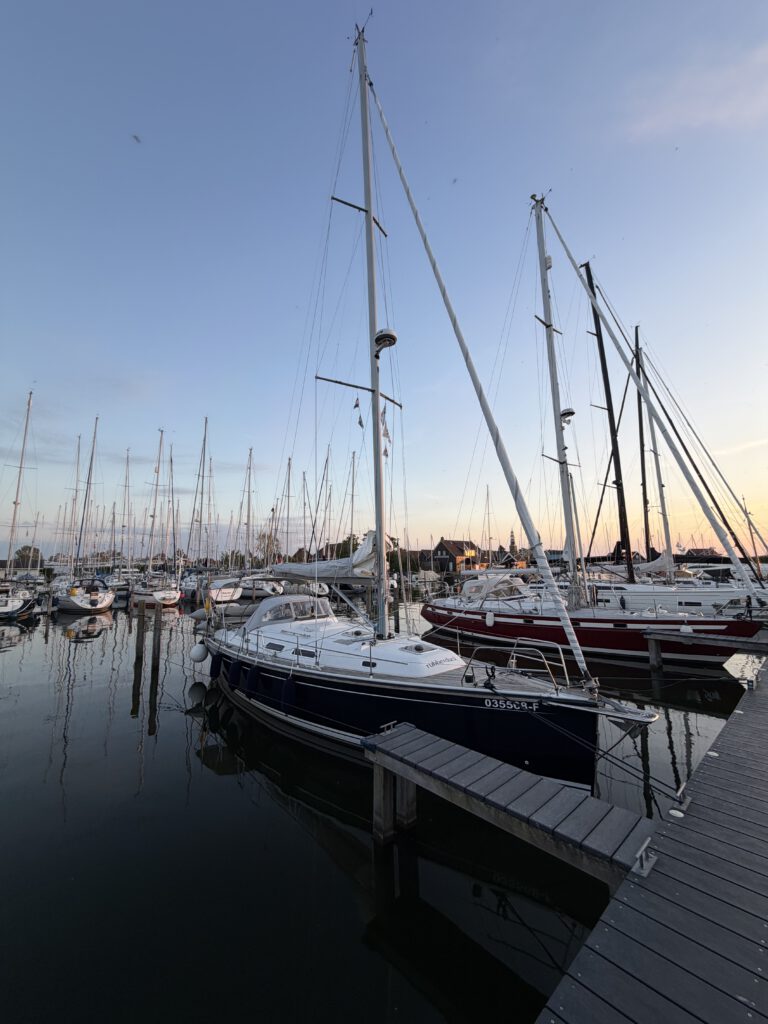
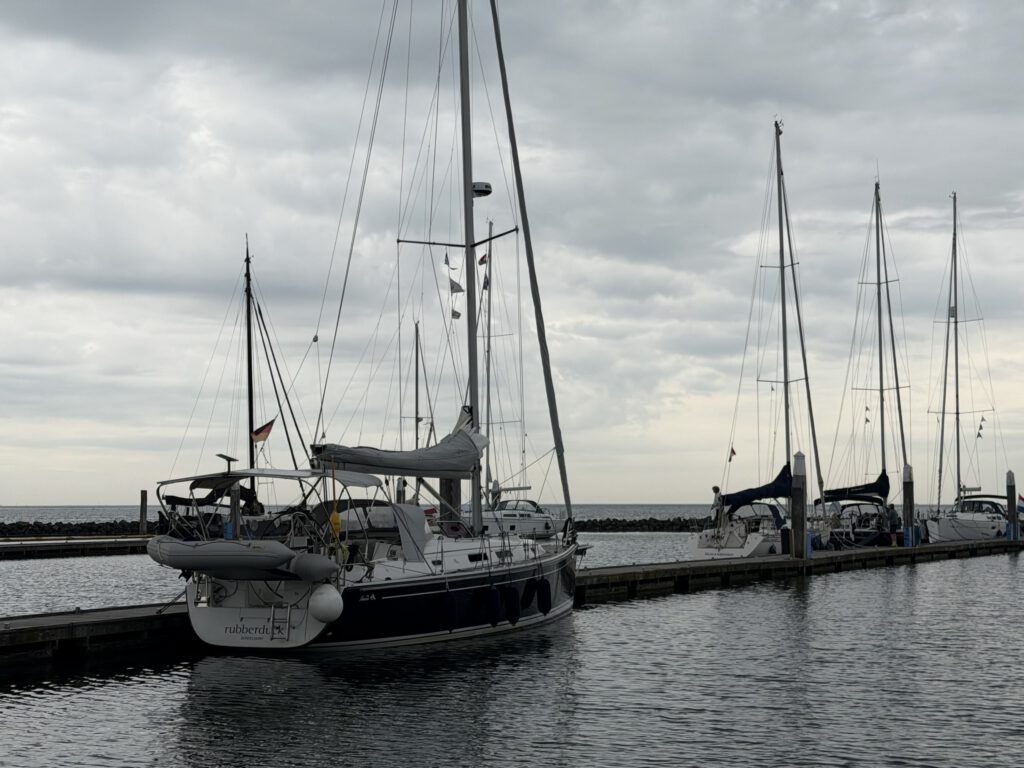
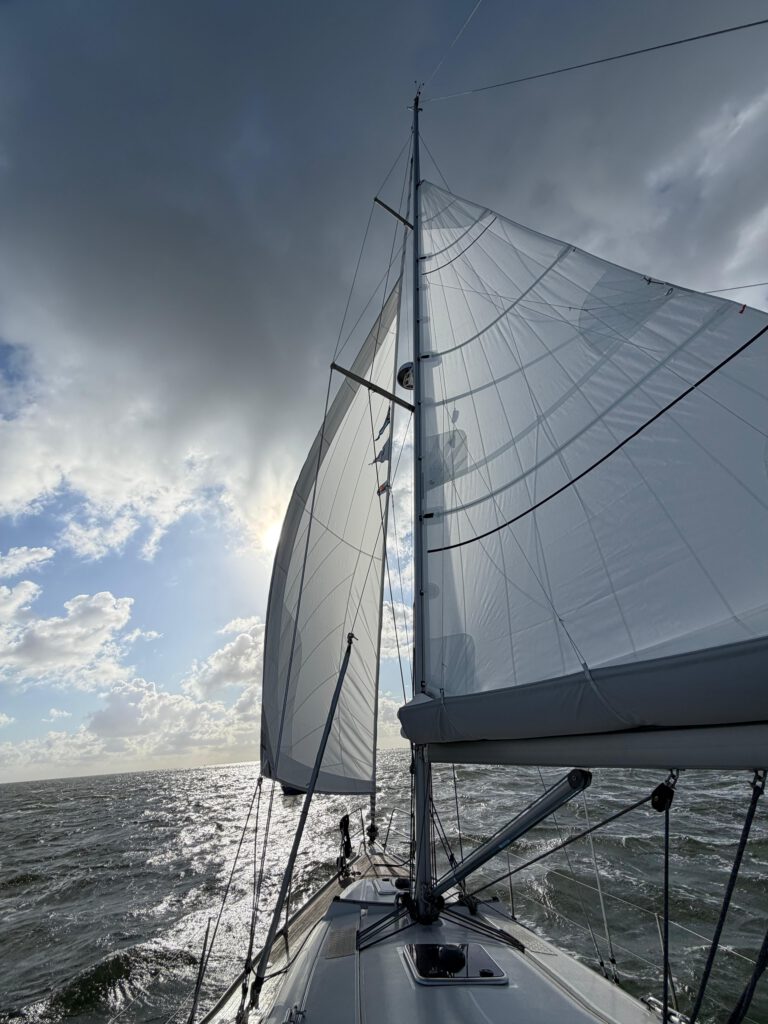
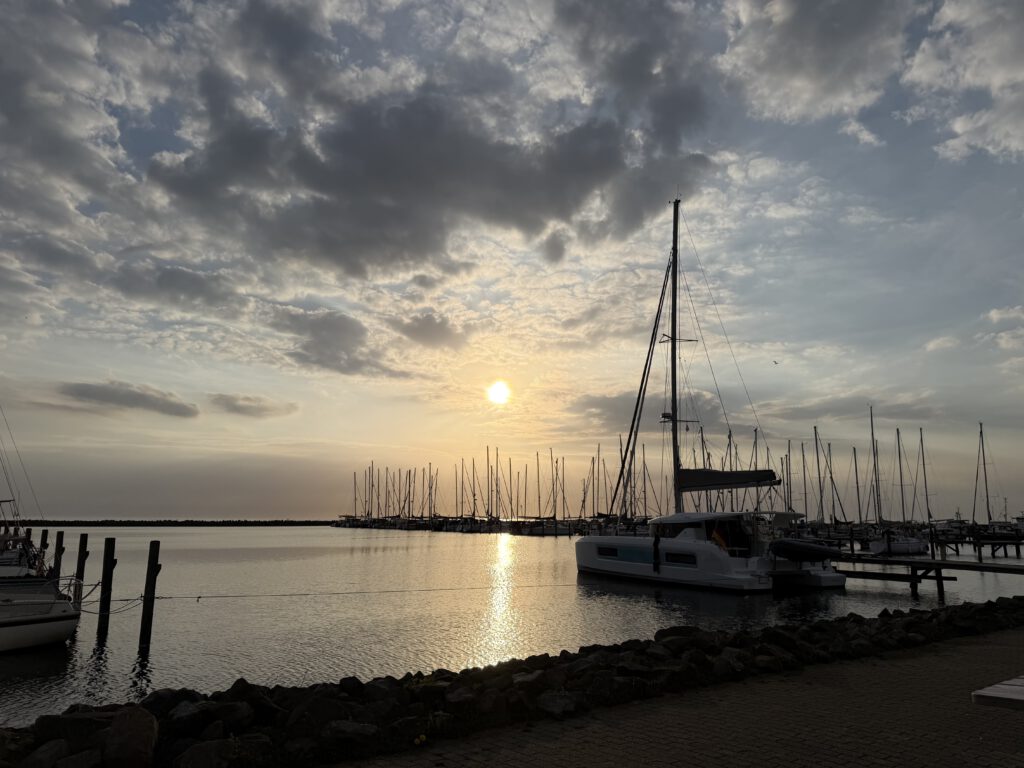
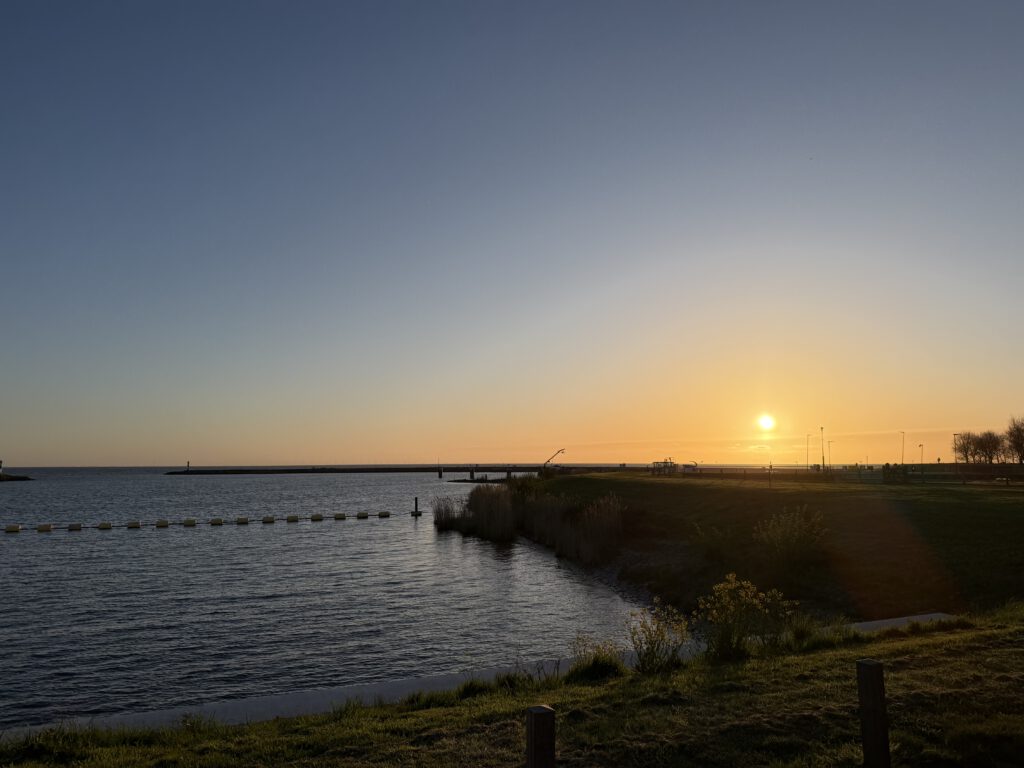
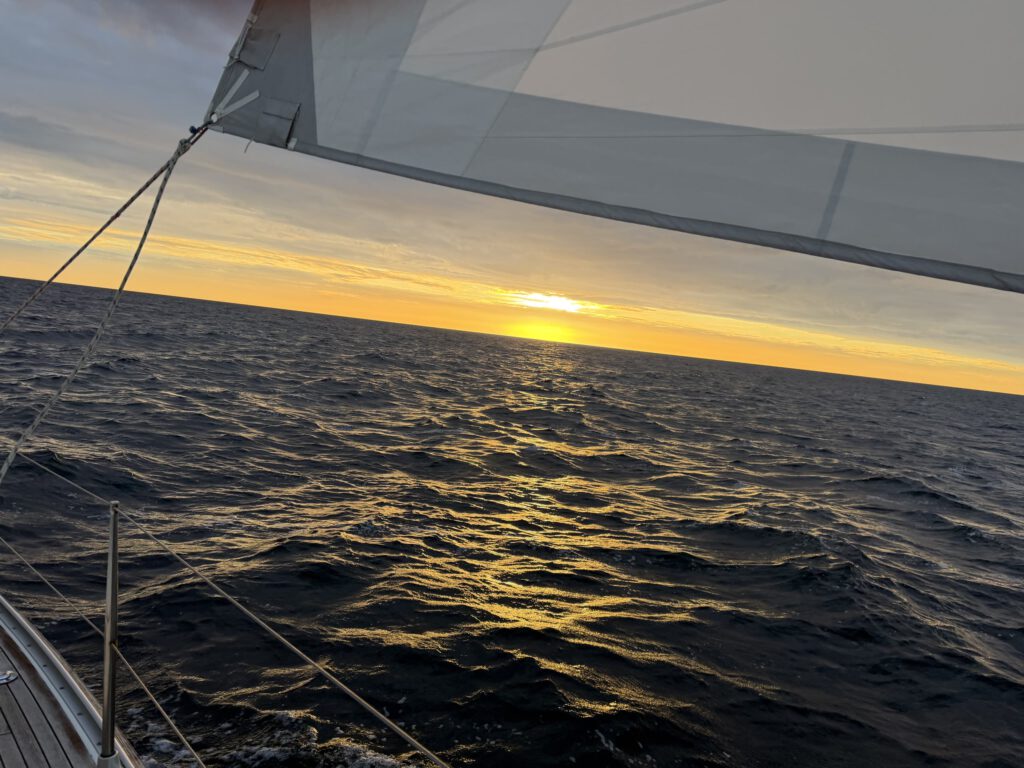
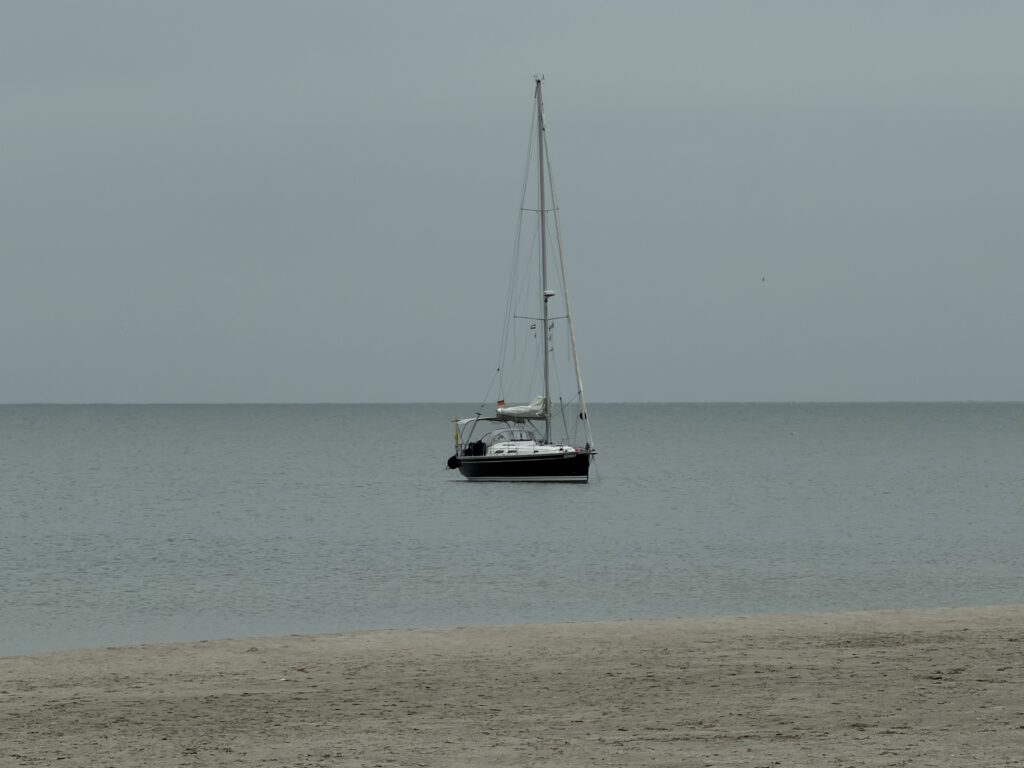
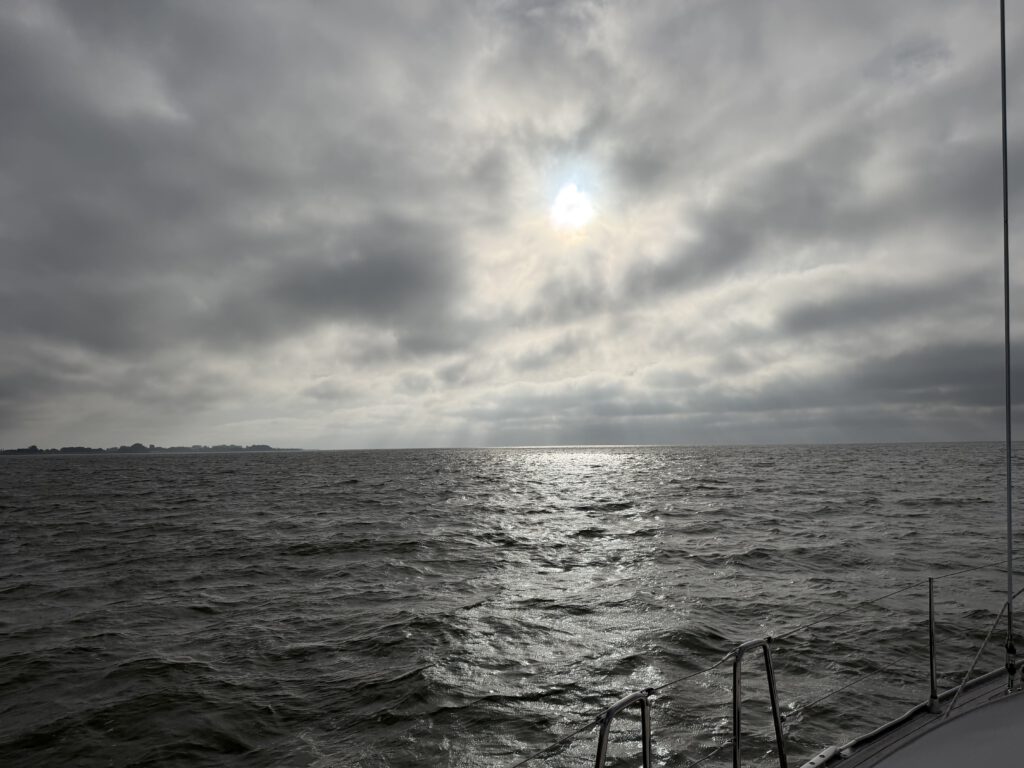

Passionate cruising sailor with limited vacation time, so unfortunately still somewhat restricted when it comes to real long-distance voyages. The idea for this app and portal came about during my sailing trips, always based on my own needs. Whether it's regional reports, lock times, harbor information, or water levels. Questions like "Can I make it through the mudflats if...are there alternative harbors, what's plan B..." The logbook topic was always in the background, plus every weekend the question of what to take with me, what do I have on the boat...so the whole thing grew, and I hope to provide added value to other sailors and "boat enthusiasts" - I look forward to any exchange about boats and suggestions for improving the app/portal. Fair winds! Chris
Read the logbook on Kielwasser →Selected passages — recorded with the Rubberduck app
All passages in the ship's log on kielwasser.blog →
All passages in the ship's log on kielwasser.blog →
Cruising knowledge on Kielwasser: Harbour search · Cruising areas · Locks · Official notices
The data behind it — tides, water levels, locks, seamarks and official notices — comes from our own Neptun Marine-API (coverage).
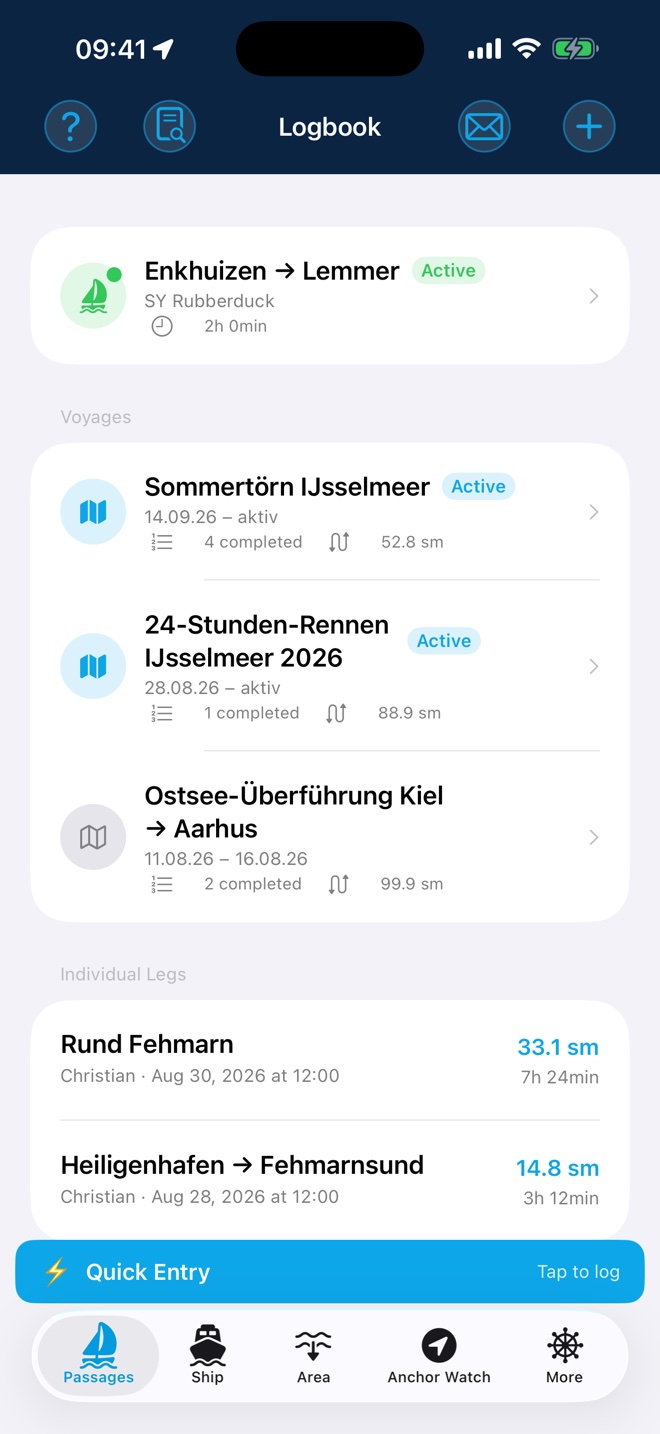
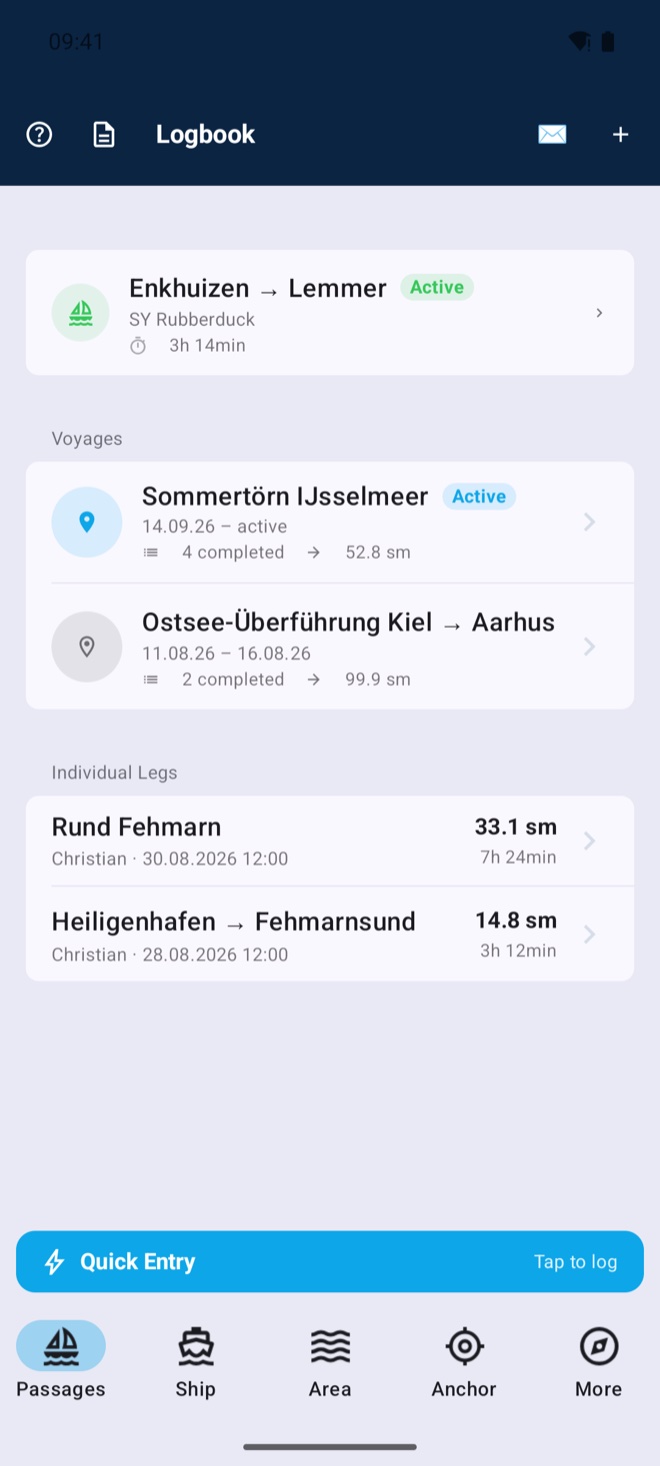
Rubberduck records your GPS track, weather, wind, NMEA data and crew details fully automatically in the background — from casting off to tying up. Plan multi-leg voyages with cash box, watch schedule and packing list, and split costs fairly across the crew. Your area info is right on board: official notices to skippers, water levels, marine weather and tides at your position. At the end, publish your voyage with a single tap as your own logbook on Kielwasser — with a boat profile, live position and shareable voyage cards. No paperwork, not a single manual entry.
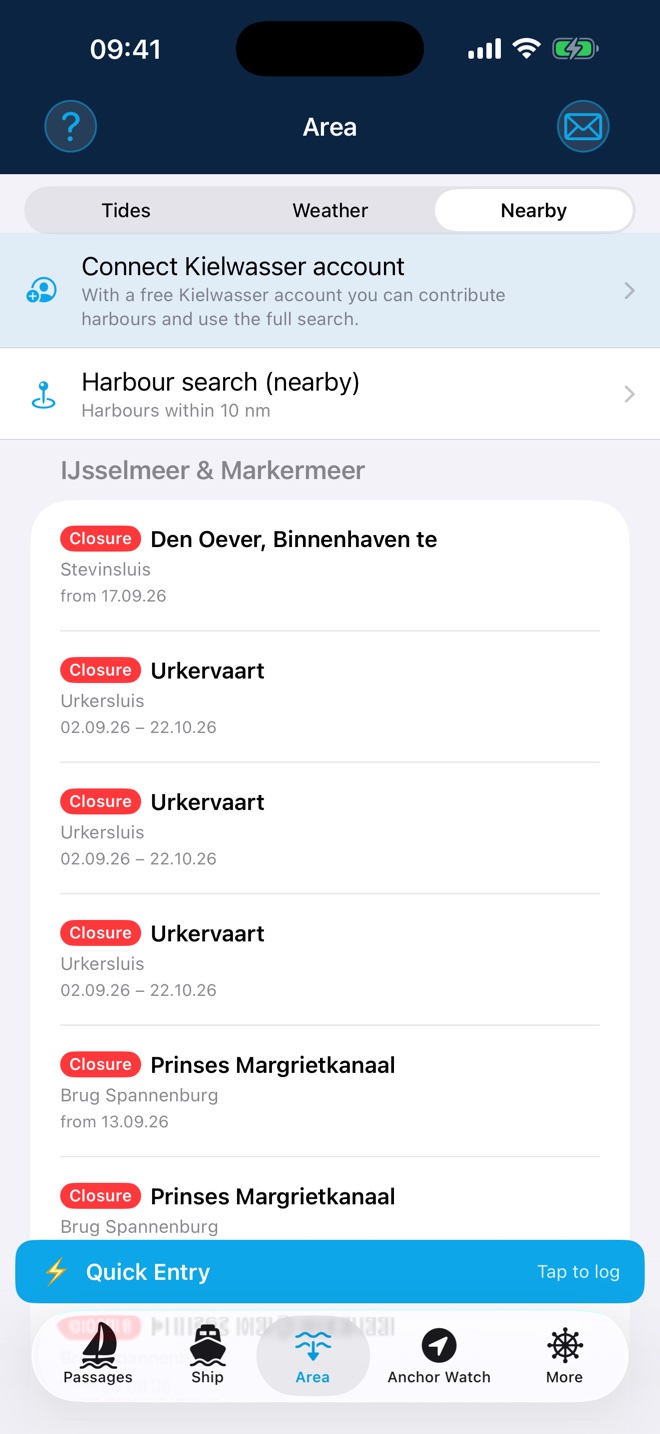
"Until further notice" now only appears on notices the authority issues without an end. If the end is unknown, the notice shows only its start.
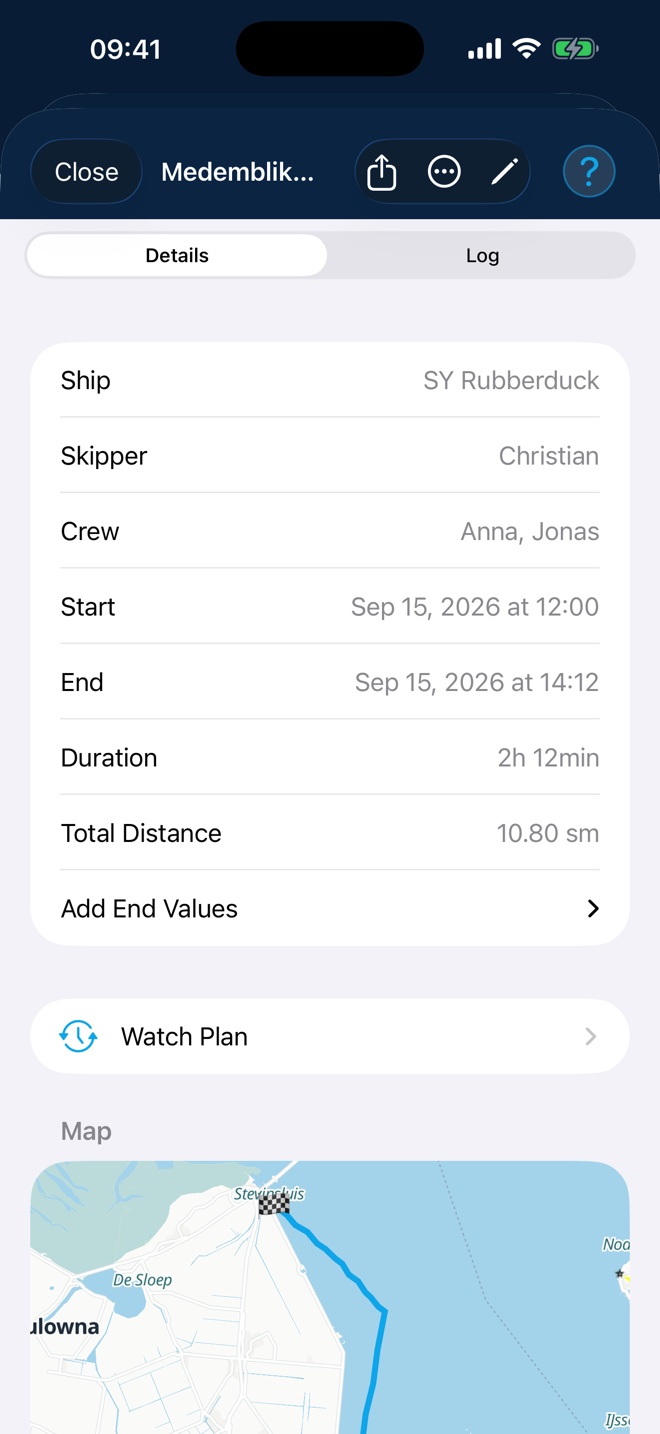
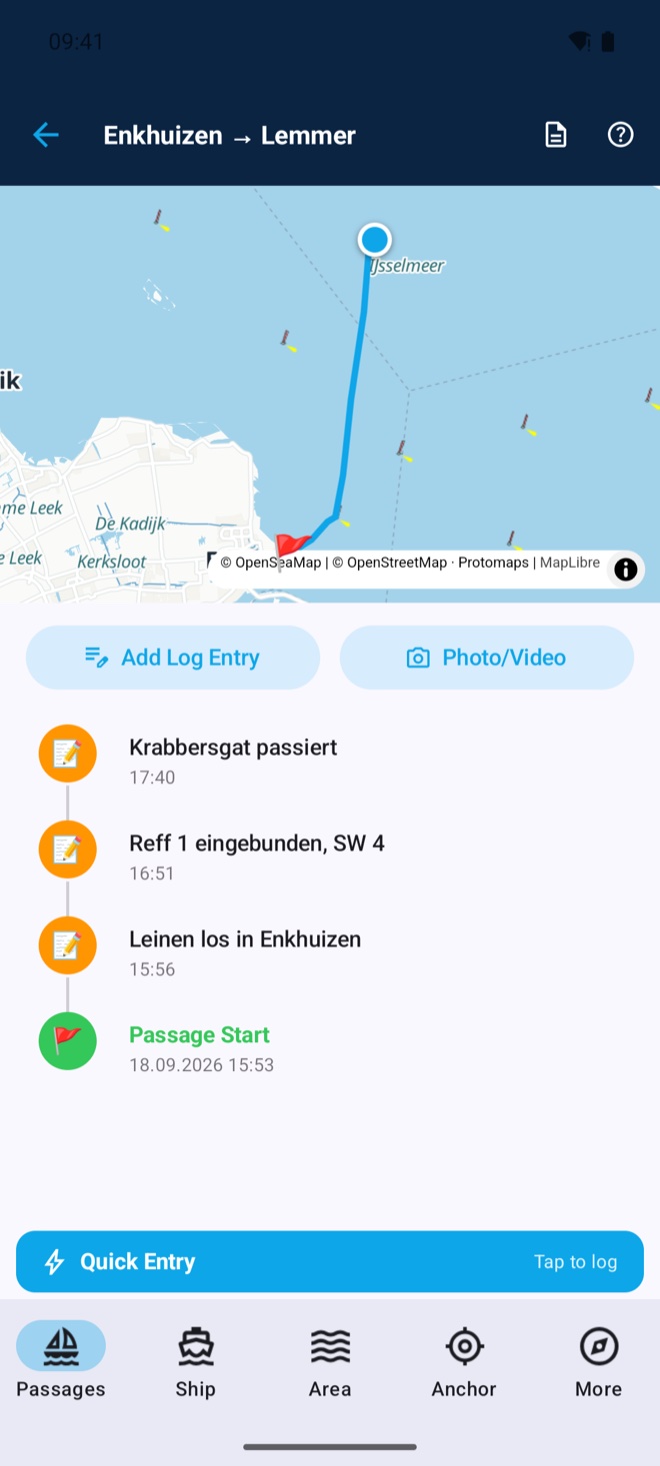
See all releases →GPS track with distance in nautical miles; log entries created automatically by time interval, distance sailed or course change — each individually configurable. Runs fully in the background, your iPhone can stay in your pocket.
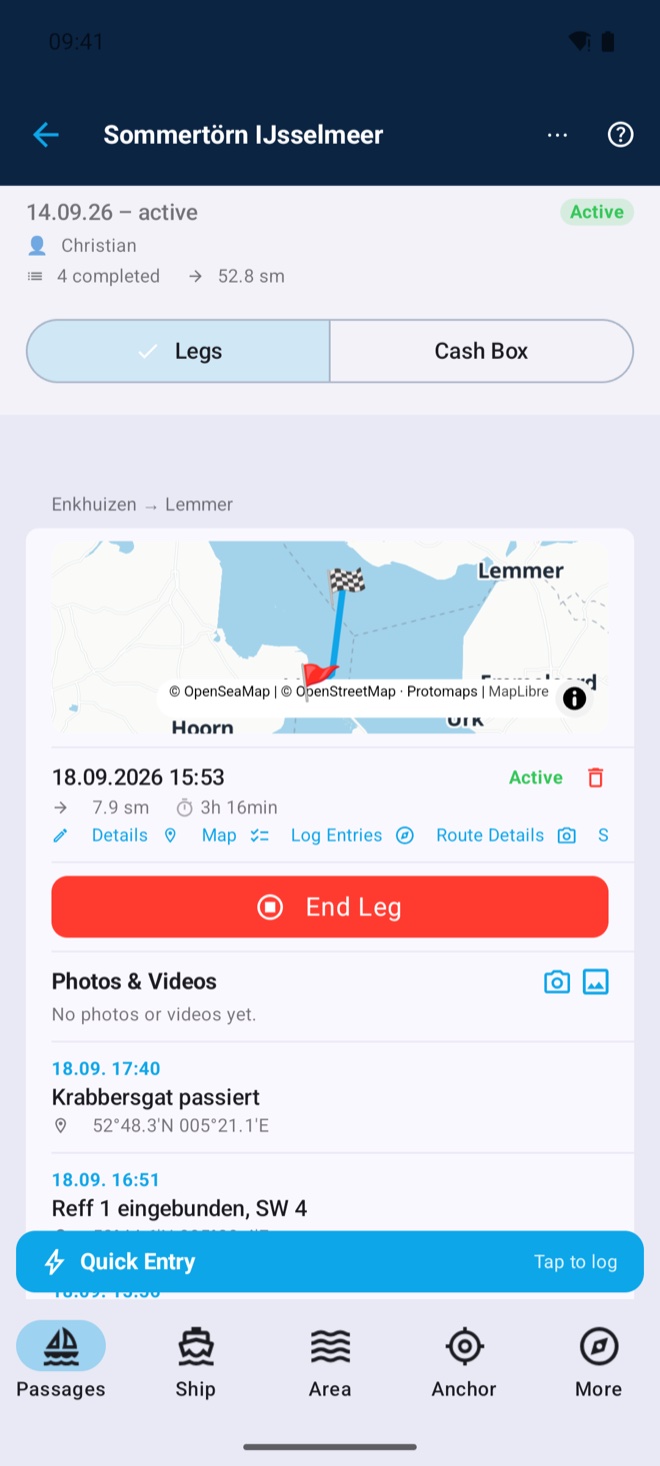
One tap is enough: while a passage is active, a banner sits ready at the bottom. Log typical events like "reef in" or "watch change", switch propulsion and sails or write free text — every entry is saved with time and position. Custom templates per boat, synced across your devices. Entries can be edited, deleted and added afterwards with a chosen date and time. Photos are part of it too: add a picture straight from the quick entry via camera or library — camera shots are also saved to your Photos app.
Under sail you rarely have a hand free: log entries can be spoken instead of typed. Tap, speak, done — the text lands in the free-text field and stays editable. The recogniser is given the sailing terms and the harbours, locks and seamarks of your area beforehand, so it gets names right instead of guessing. Everything is computed on the device, even without a connection — no recording leaves your phone. If you like, download a dedicated recognition model (approx. 465 MB): far better on place names, and it covers all eleven app languages.
Wind, depth, water temperature and more straight from your boat network (NMEA 0183 over WiFi) — logged automatically every 15 minutes.
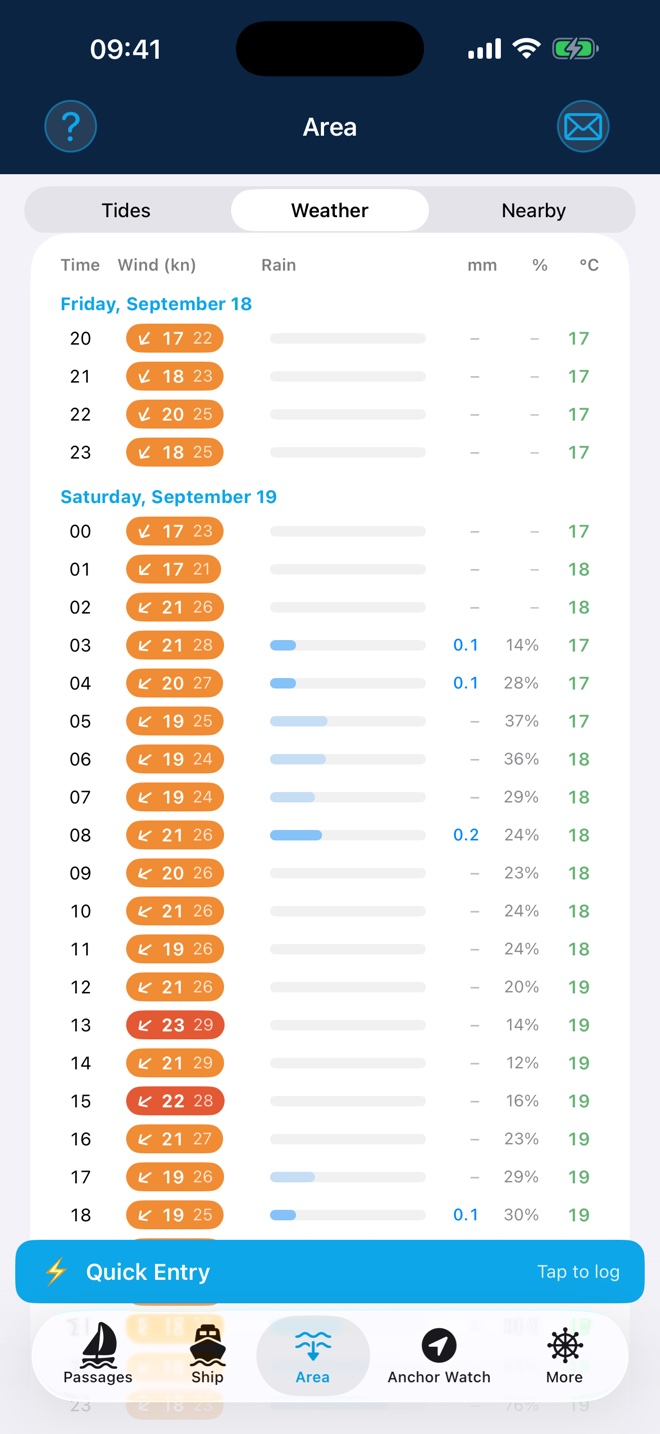
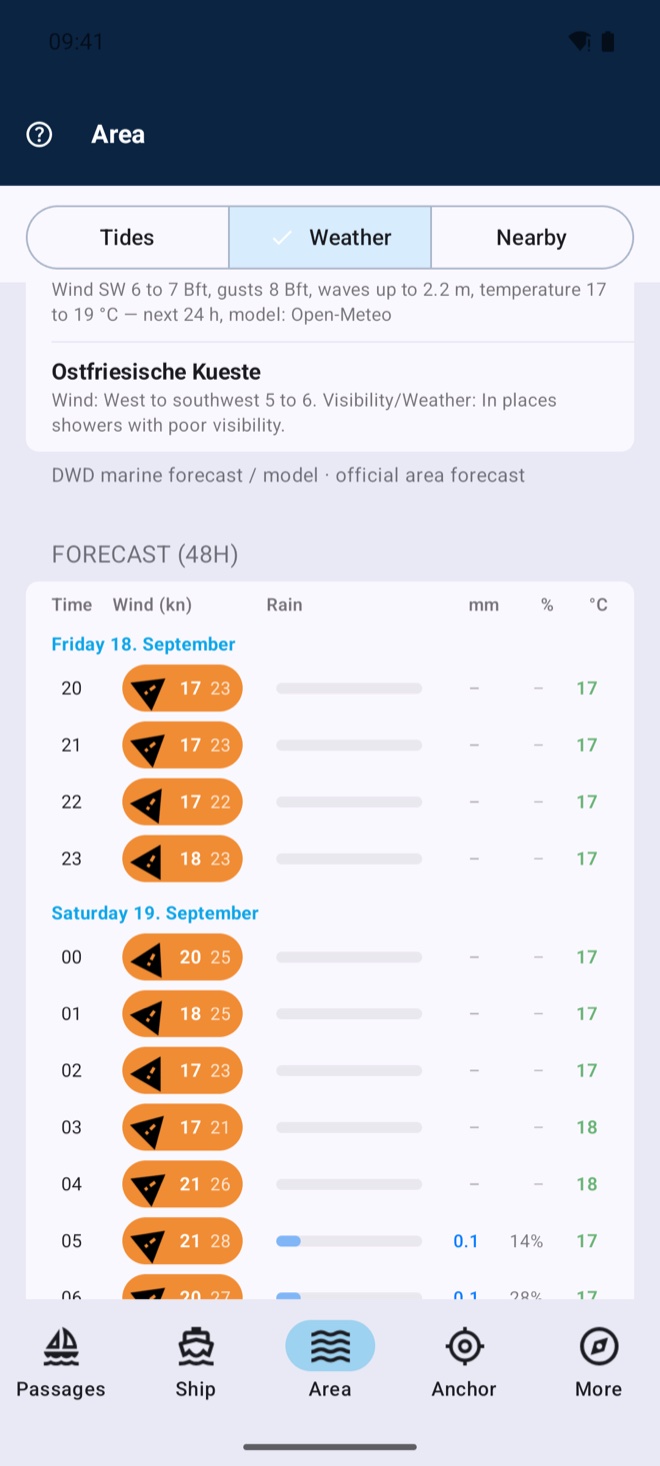
48-hour forecast with strong-wind warnings, wave height, high and low water — recorded automatically at passage start and updated underway. Tide information via WorldTides (own access required).
Air pressure live from the NMEA network or iPhone sensor, with a 3-hour trend and graph. If pressure drops sharply, the app warns of a storm in good time — with banner, siren and a waking notification, even during anchor watch. Readings are logged automatically in the passage log.
Night-watch timer (dead-man): confirm at chosen intervals that you’re awake — the button changes position each time. The on-board alarm link makes anchor, storm and dead-man alarms ring on every device on board — locally over Wi-Fi and Bluetooth, without any internet.
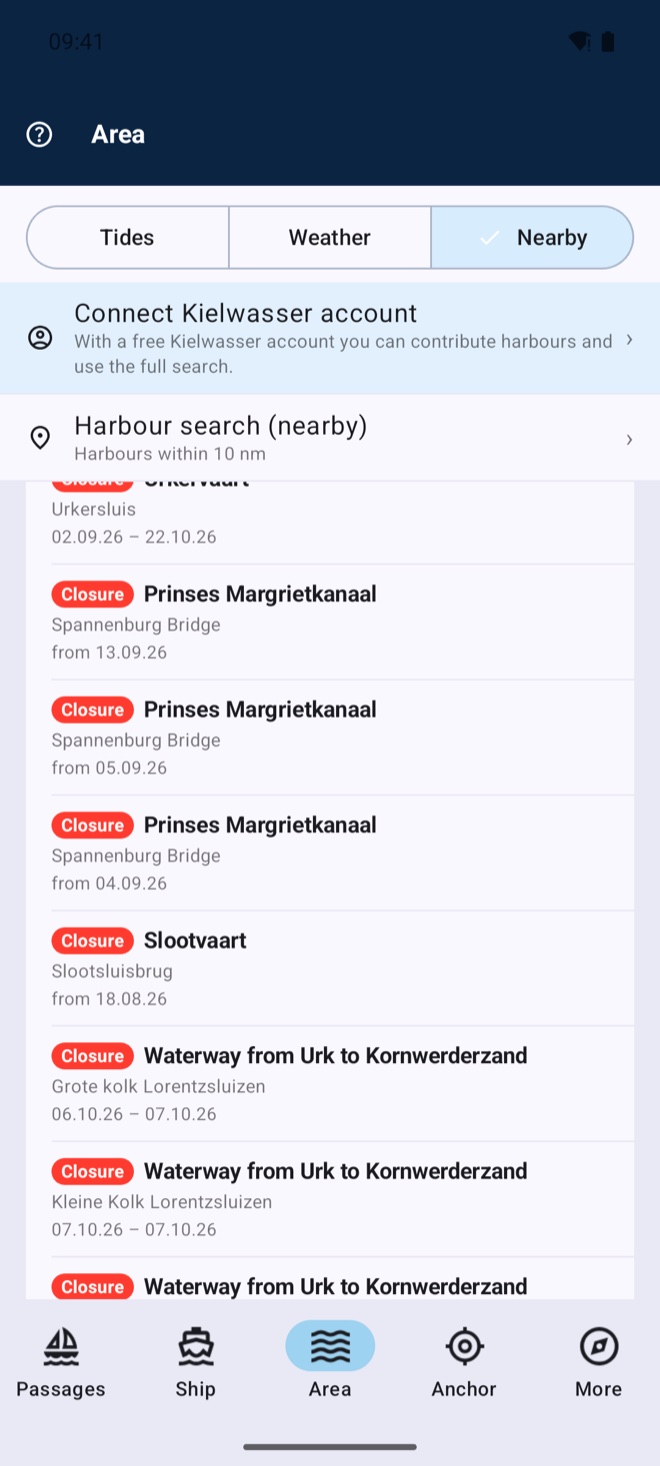
Official notices to mariners for your waters — closures, lock and bridge works, wrecks, drifting buoys. The app automatically shows the notices at your position; coverage reaches from Northern and Western Europe across the Adriatic and the Mediterranean to the Red Sea and the Persian Gulf, complemented worldwide by the official maritime safety services. New: while under way the app alerts you when you come closer than two nautical miles to a closure — the check runs on the device, so it works without a connection. You set the notice radius and warning distance yourself.
Harbours, marinas and anchorages within 10 nautical miles — or search the whole directory. The detail page shows an aerial view, facilities, weather, the wind-shelter forecast for the berth, AIS traffic in front of it and community depths: soundings other crews have measured on the spot. The search is free; with Premium you save the visible map area offline — harbours, detail pages and map tiles stay on board, even without a connection.
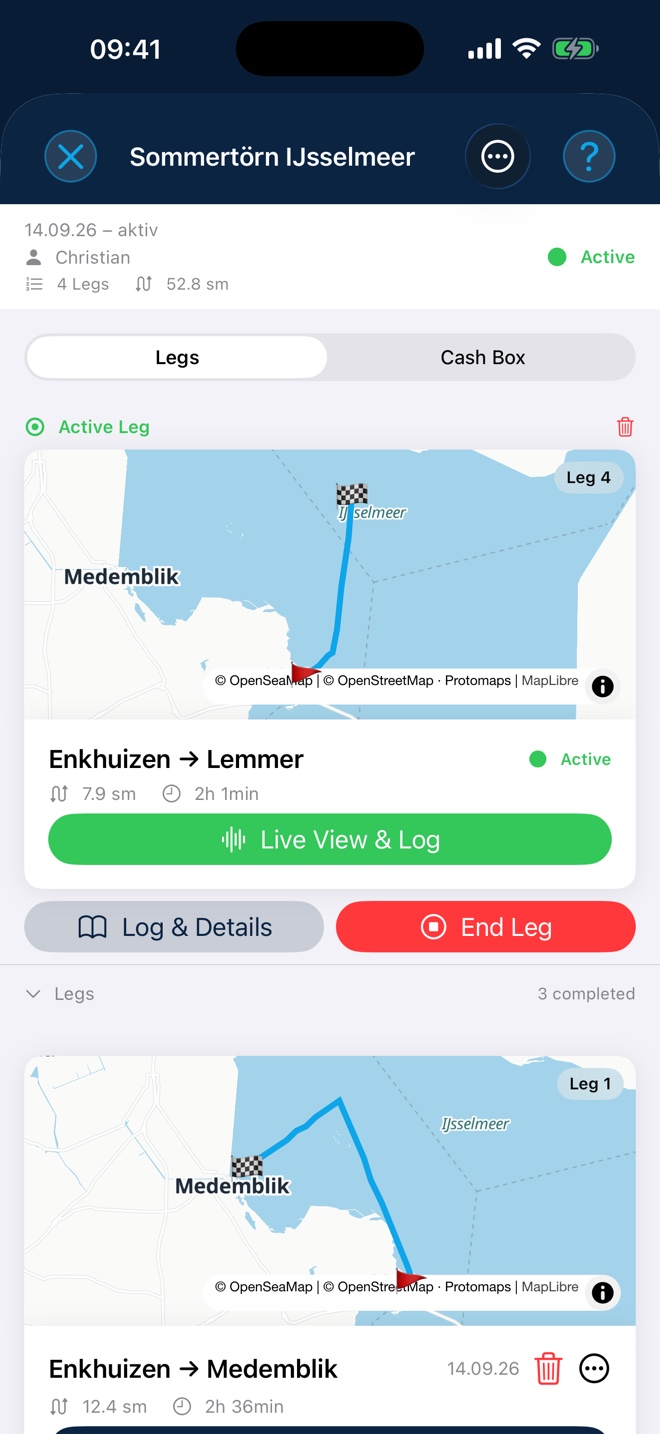
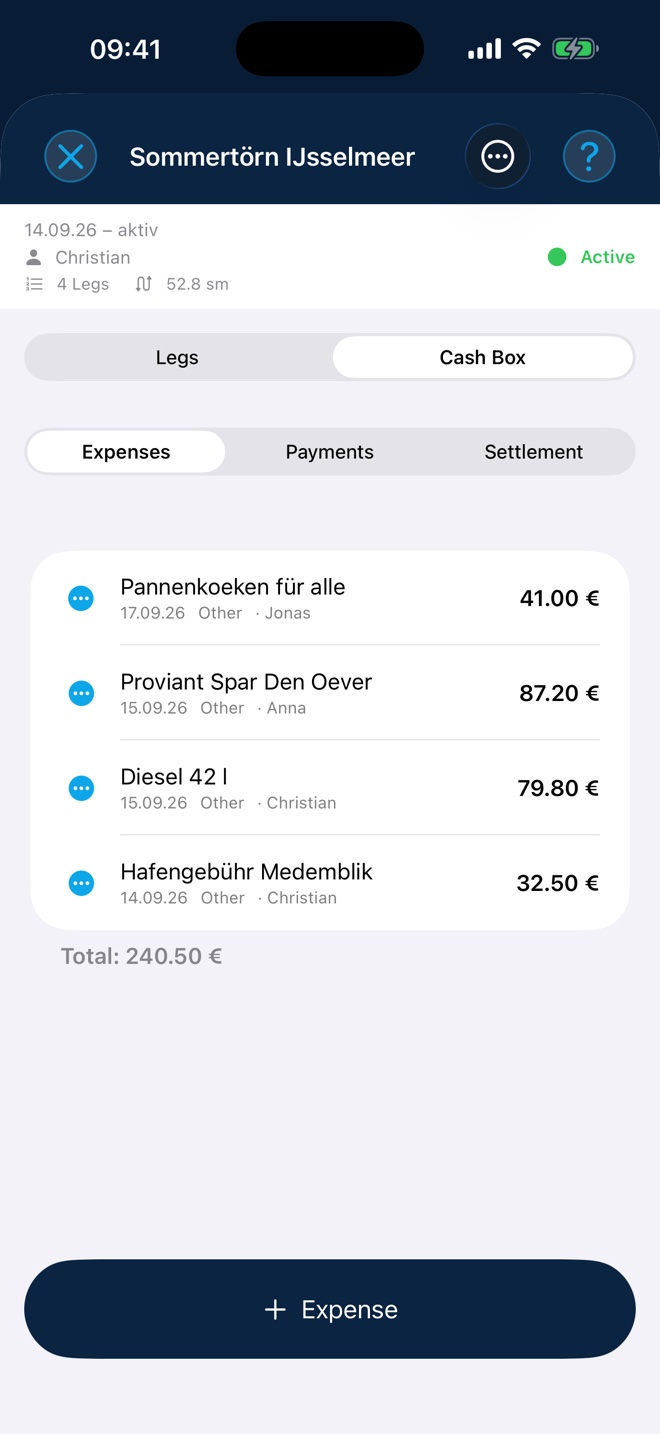
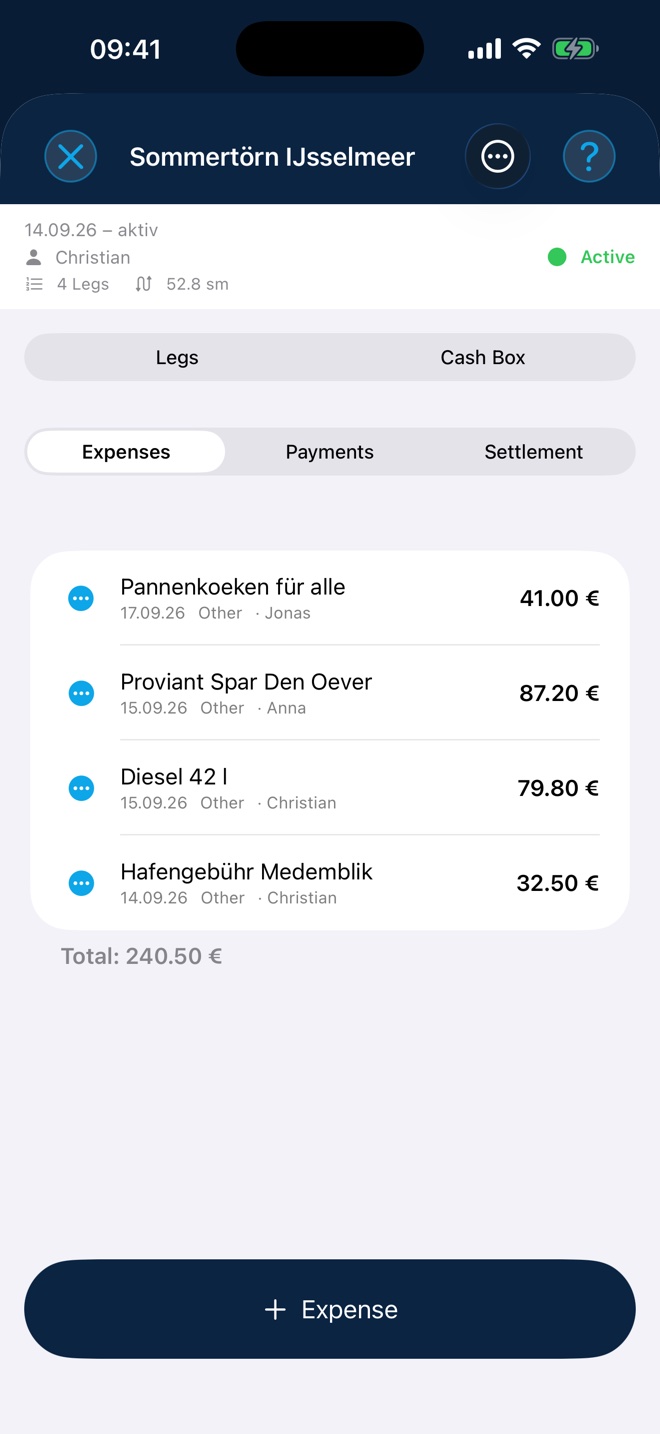
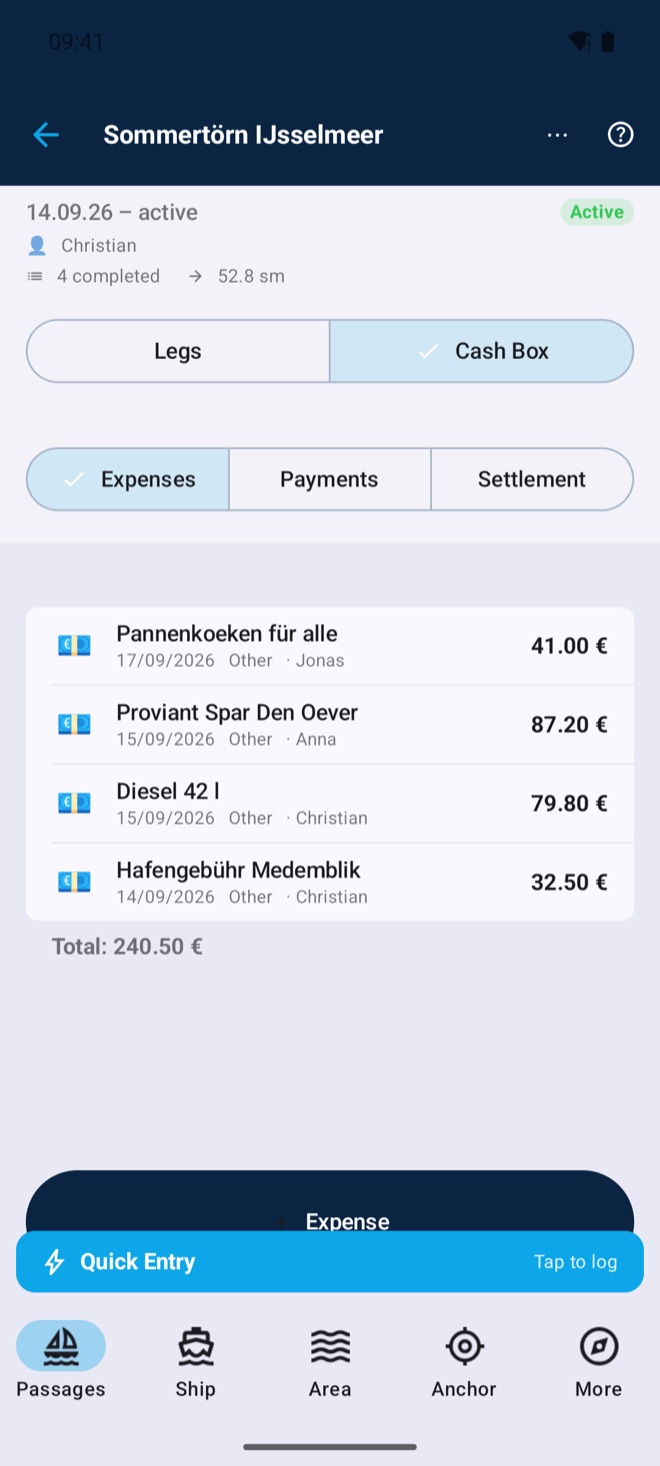
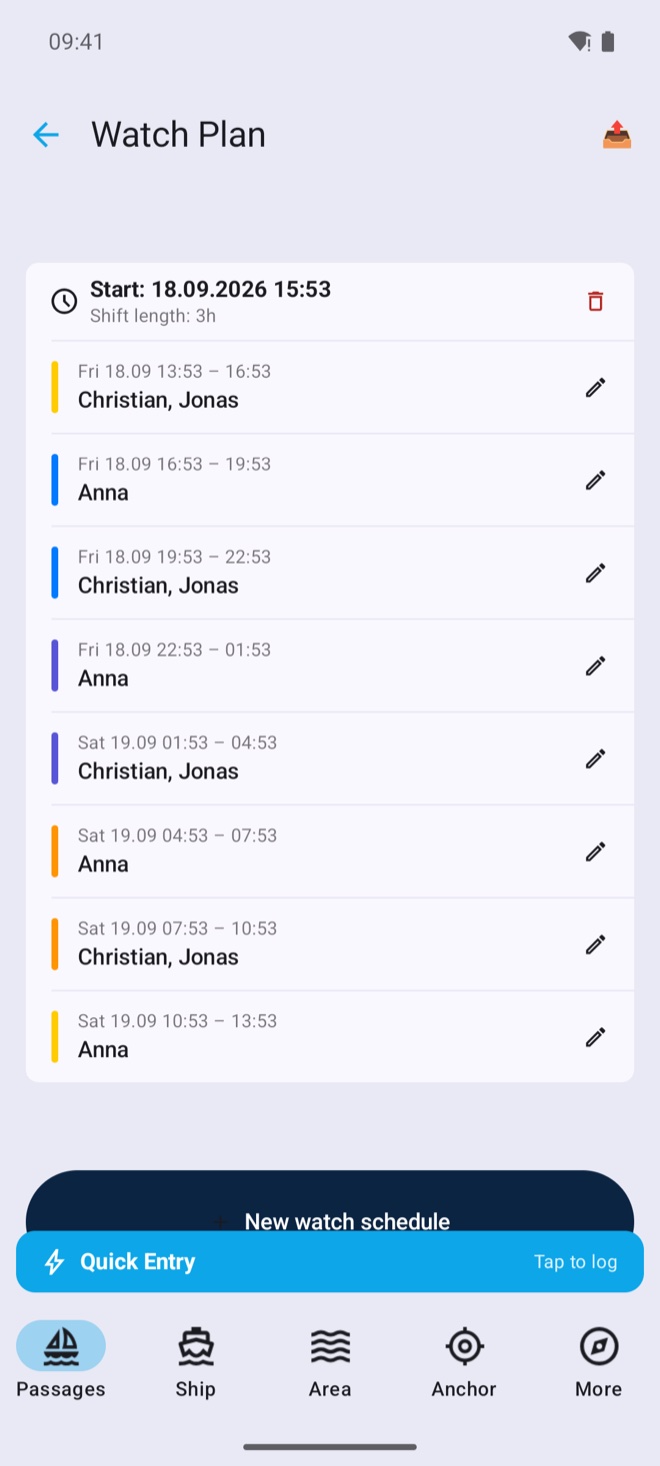
Voyages group legs together — with cash box (expenses, deposits, fair settlement by email), rotating watch schedule and crew management including documents.
Maintenance tasks with intervals and due dates, repair log with costs, spare-part inventory with stowage location, boat papers as scans.
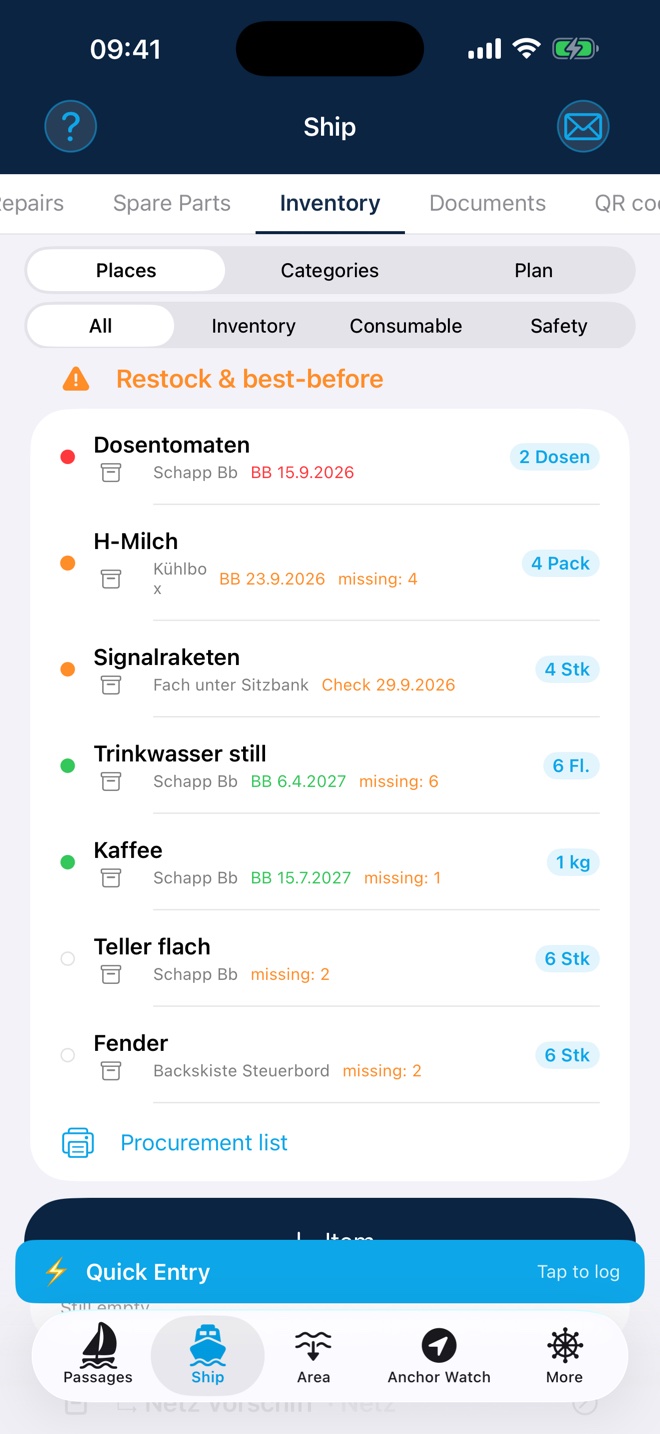
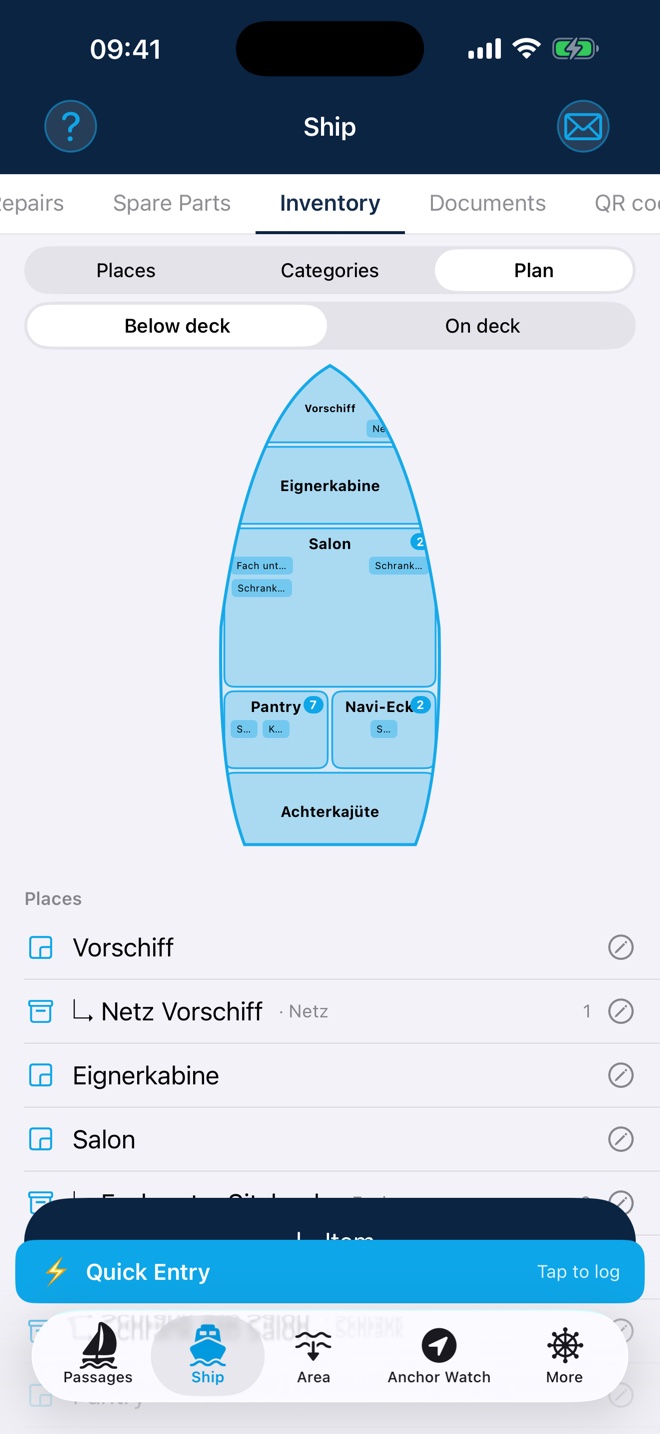
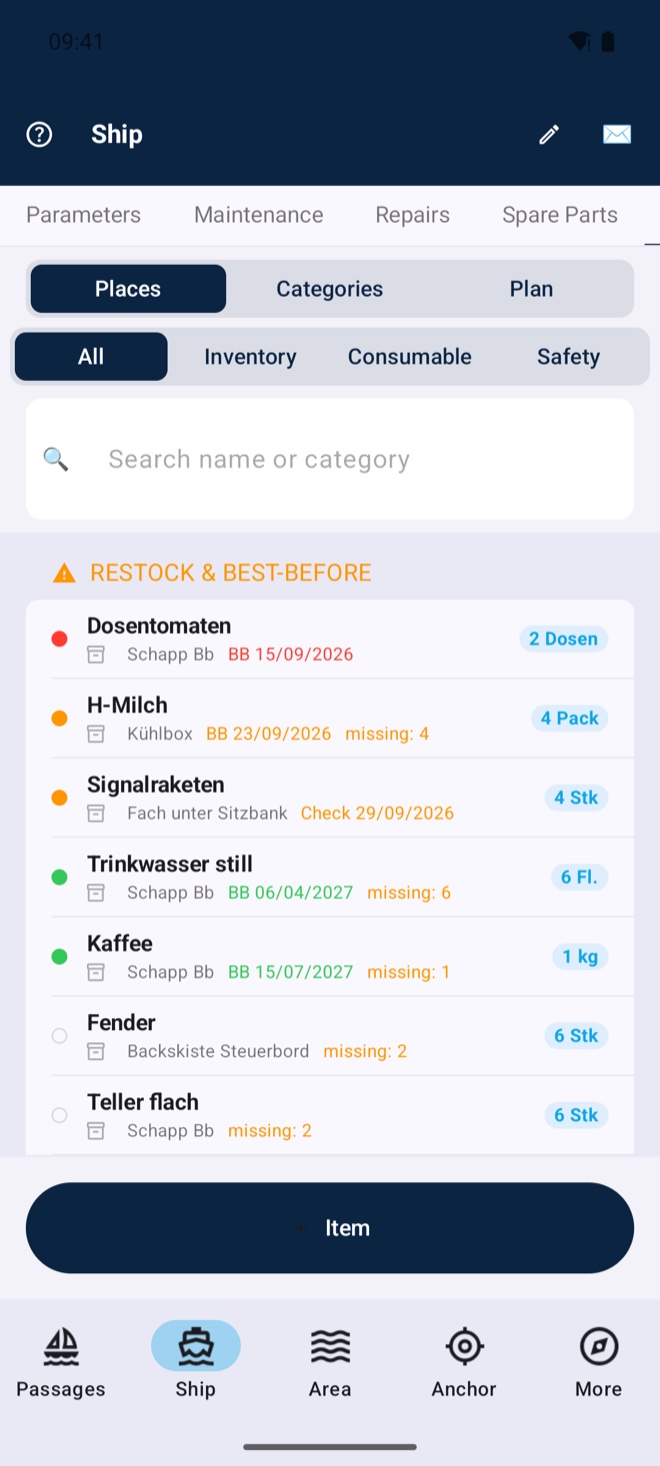
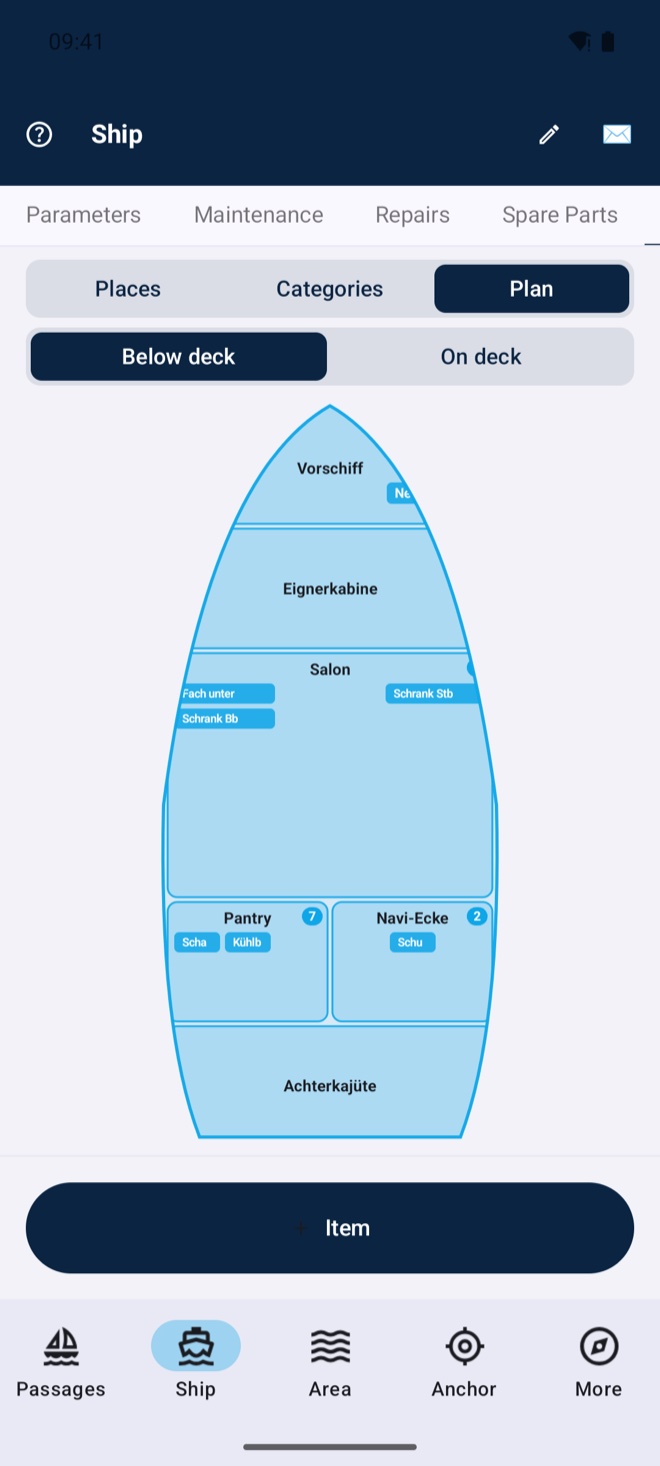
Know where everything lives on board: rooms and storage places on the deck plan (below & on deck), items with photo, best-before status and target stock, safety gear with inspection dates. Shortages become a printable procurement list — and in your Kielwasser cockpit you maintain everything on your computer, the app syncs.
A sextant in your pocket: sun line of position and fix as with almanac and sight reduction — the app computes ephemerides, corrections and the intercept method fully offline. And with no sextant at all: photograph sun and horizon with the camera, tap both — done (beta). Your backup when GPS is jammed, and the perfect training tool.
New in version 4.5.1 (iOS first, Android to follow shortly): the app reliably warns you as soon as your GPS position becomes implausible — whether from GPS jamming (a jammer) or GPS spoofing (deliberate manipulation). You get a clear message with an explanation and an action recommendation based on severity — up to advising you to navigate by visual bearing and compass for a while. Anomalies are written to the logbook automatically. This works with the device GPS alone, entirely without NMEA; with a connected NMEA setup (e.g. WLN10) it checks even deeper — satellite signal strength (C/N0), precision values and dead reckoning. Switch it on or off anytime. Especially valuable in areas with known GPS interference such as the Baltic or the eastern Mediterranean.
Built fully native — no cross-platform engine, no ad SDKs, no trackers. That keeps the download small, the app fast and your data yours: on iOS in your iCloud, on Android in your Kielwasser account — nowhere else.
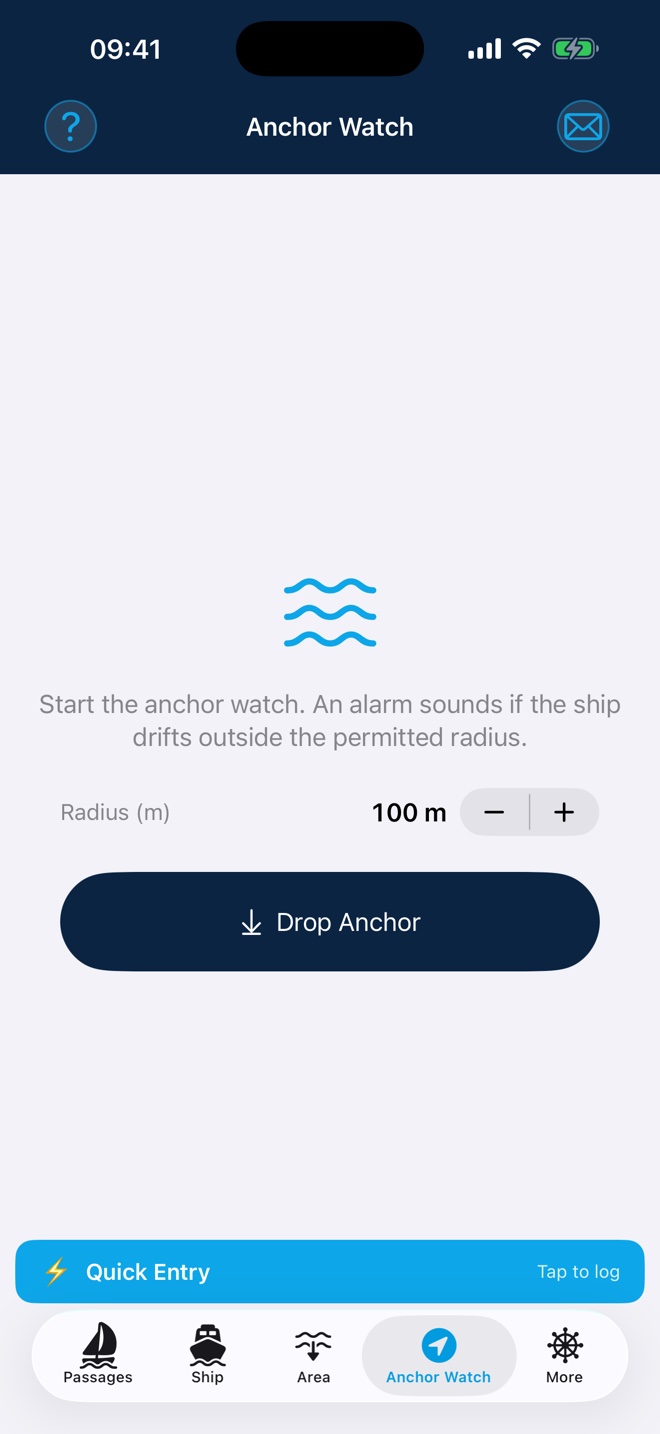
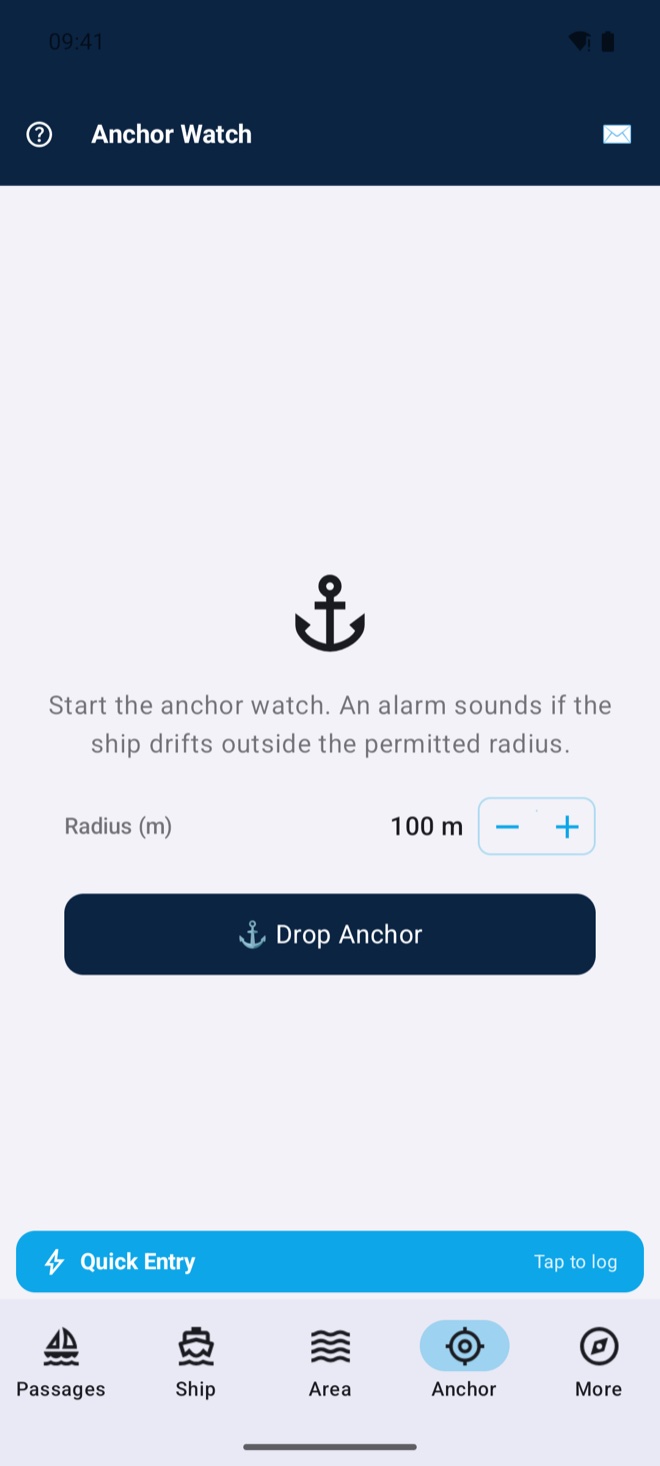
Geofence alarm if the anchor drags — with continuous GPS recording and log entries on dropping and weighing anchor.
Passage photos and videos with position and caption; PDF reports (summary or detailed), yearly collections, HTML export.
All data — passages, photos, boat, crew, cash box, settings — automatically on all your devices. On iOS via iCloud, on Android via your Kielwasser account. New device? Everything is simply there.
 Free
Free Create your ship’s log right from the app, publish passages with chart, numbers, log and photos in one tap, write posts with photos.
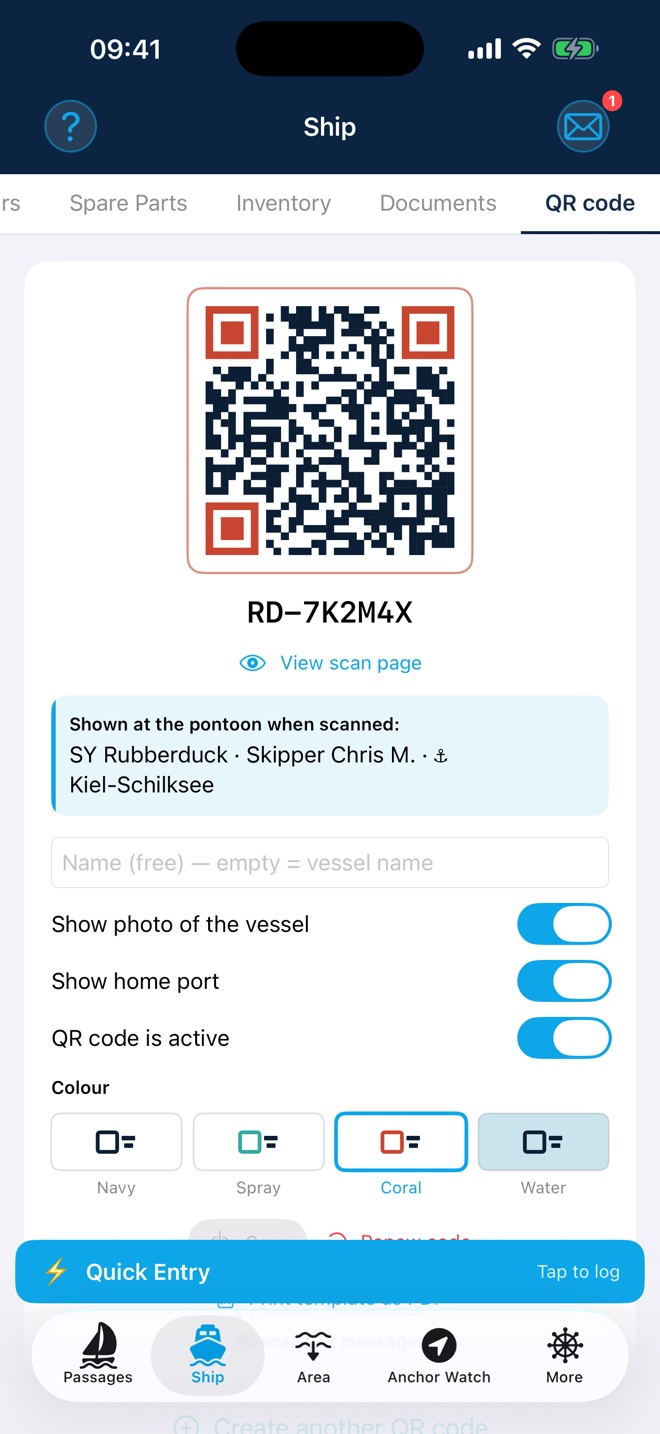
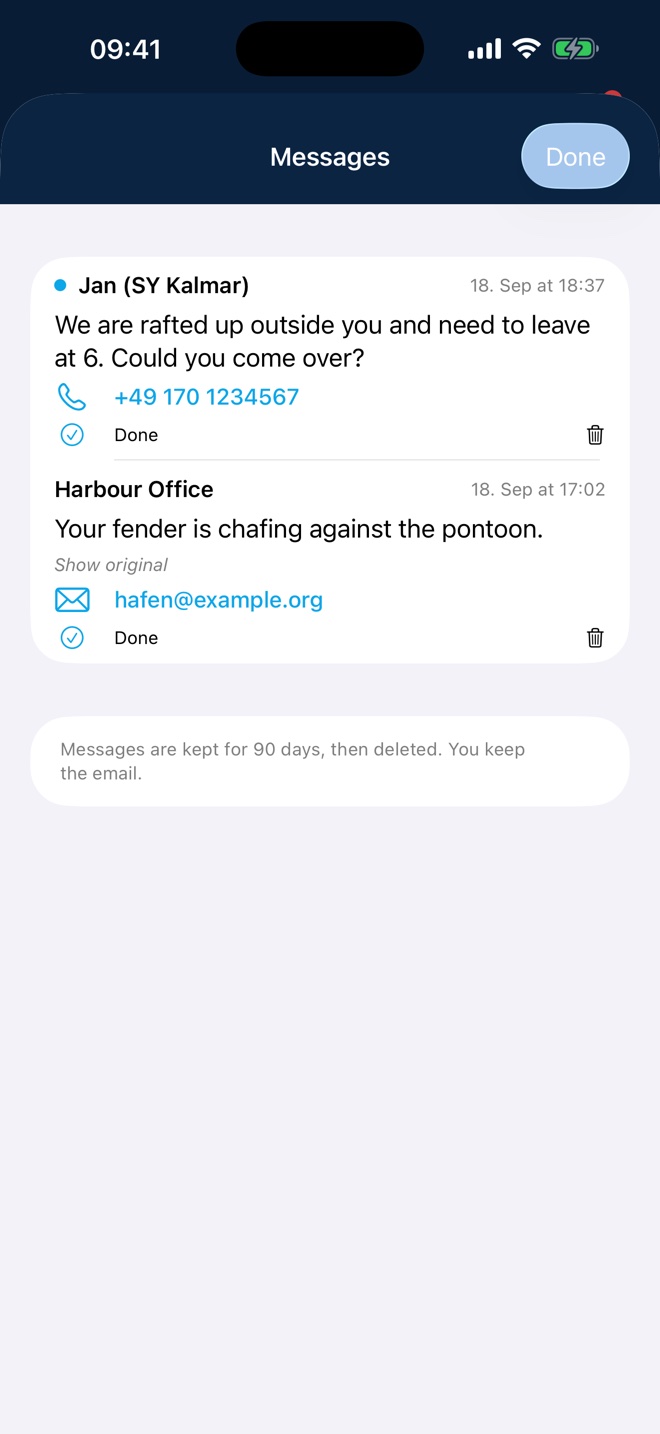
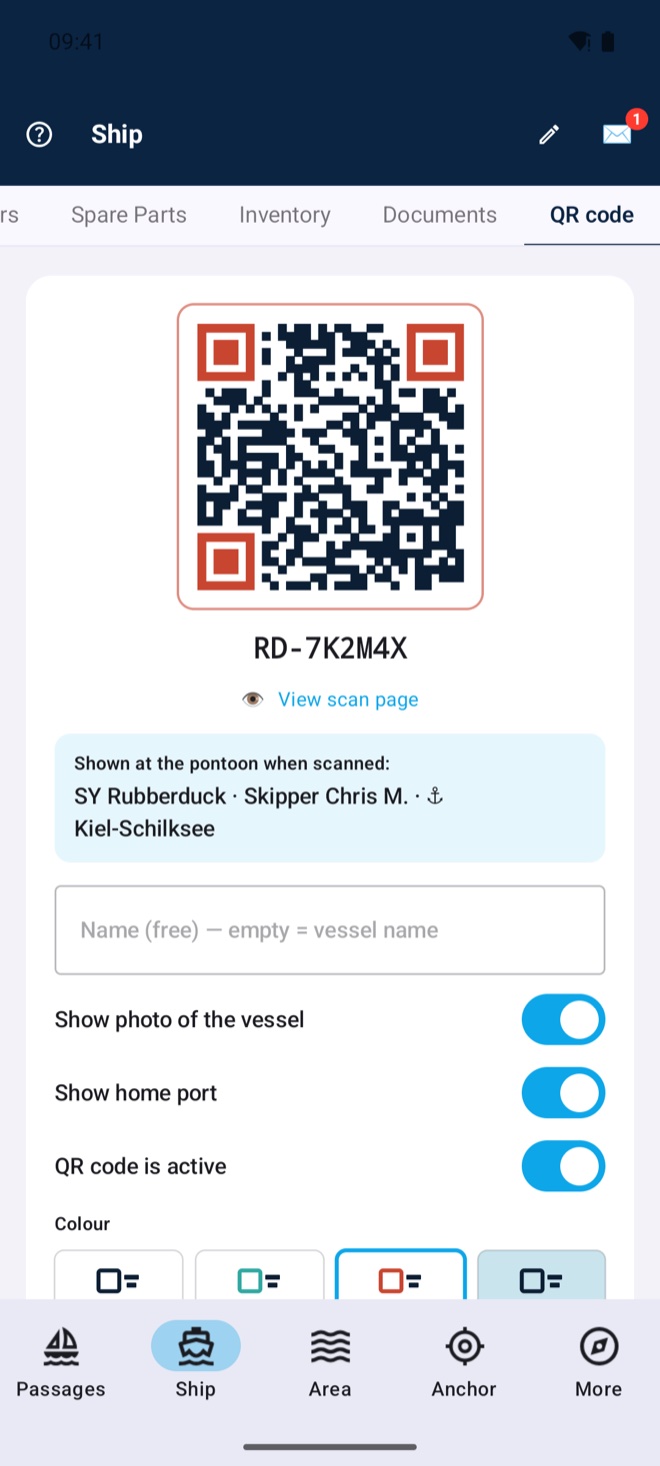
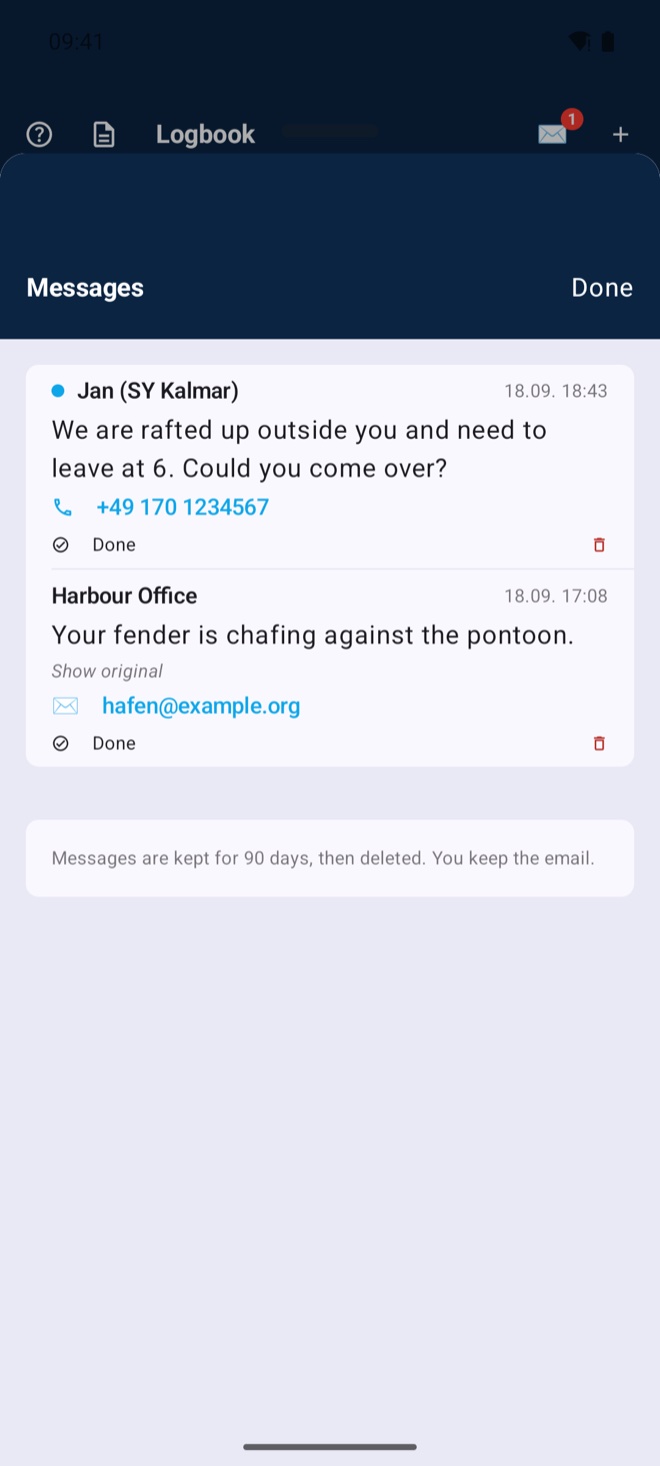
A weatherproof code on your boat: whoever scans it sees the boat, the skipper and the home port — and can write to you without ever seeing your phone number or email address. The most common case: the boat lies alone in the harbour or rafted up alongside — whoever needs to get out, wants to raft up or sees something chafing reaches you at once. The message arrives in the app and by email, notes in other languages are translated. Print template as a PDF in three sizes, plus a vector version for the print shop. Sold the boat? Renew once — the old code stops working immediately. Not only for the boat: dinghy, outboard, folding bike — several codes per log, each with its own name and photo, all pointing to the same ship.
Share cards in the Kielwasser design for Instagram stories, passage links with automatic previews for WhatsApp & co. — and if you like, your log shows live where you are sailing (🔴 opt-in, ends automatically with the passage).
Model, MMSI, ATIS, owner and a boat photo with your own tile crop — everything flows into your Kielwasser ship profile automatically. The ship’s log reading lives on the boat and pre-fills at passage start.
Beaufort scale, flag alphabet, navigation lights, GMDSS radio templates and audible sound signals per COLREGs (horn, bell, gong). Plus the complete manual — app, references and help in 11 languages.
 Premium ★
 If the boat belongs to several people, a dedicated area appears in the app: a booking calendar colour-coded per member, costs with a photographed receipt, votes with majorities by share or by head, work hours and the group's documents — insurance, berth contract, minutes. The area only appears when the logbook belongs to a co-ownership; crew never see it. Managed on mitreeder.de, with everything on hand in the app.
★ MitReeder is licensed separately: €149 per boat per year at mitreeder.de — independent of Premium in the app.
Connect via Wi-Fi to your NMEA gateway. Wind, depth, water temperature, pressure and heading are read directly from your instruments and saved automatically in the logbook. The on-board barometer tracks the 3-hour trend and warns of a storm in good time when pressure drops – the alarm rings via the on-board alarm link on the devices on board that stay awake during a watch — entirely without internet.
TCP/IP · Auto-connect · No extra hardware neededWhether you own a boat with a full NMEA setup, charter for a spontaneous holiday, or run a professional fleet — Rubberduck adapts to every role on board, without compromise.
For iPhone, iPad & Android
Available in 11 languages: German, English, Spanish, French, Italian, Danish, Swedish, Norwegian, Dutch, Arabic and Chinese.
More about the app and the boat: sy-rubberduck.de